

Appearance
Leads
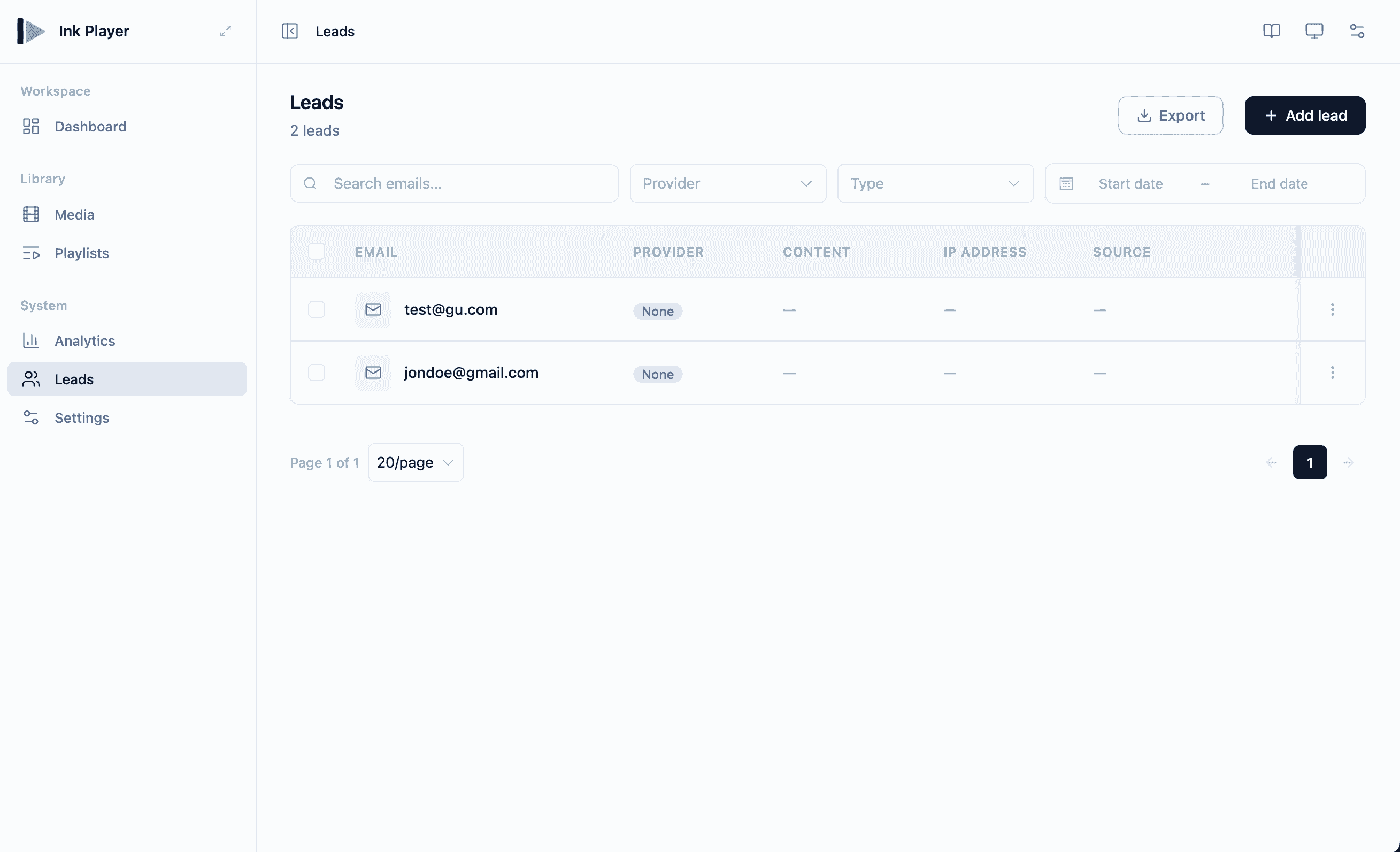
Leads (/leads) collects email addresses from people watching your players, so you can grow your list and feed contacts into your email or CRM tools.
How leads are captured
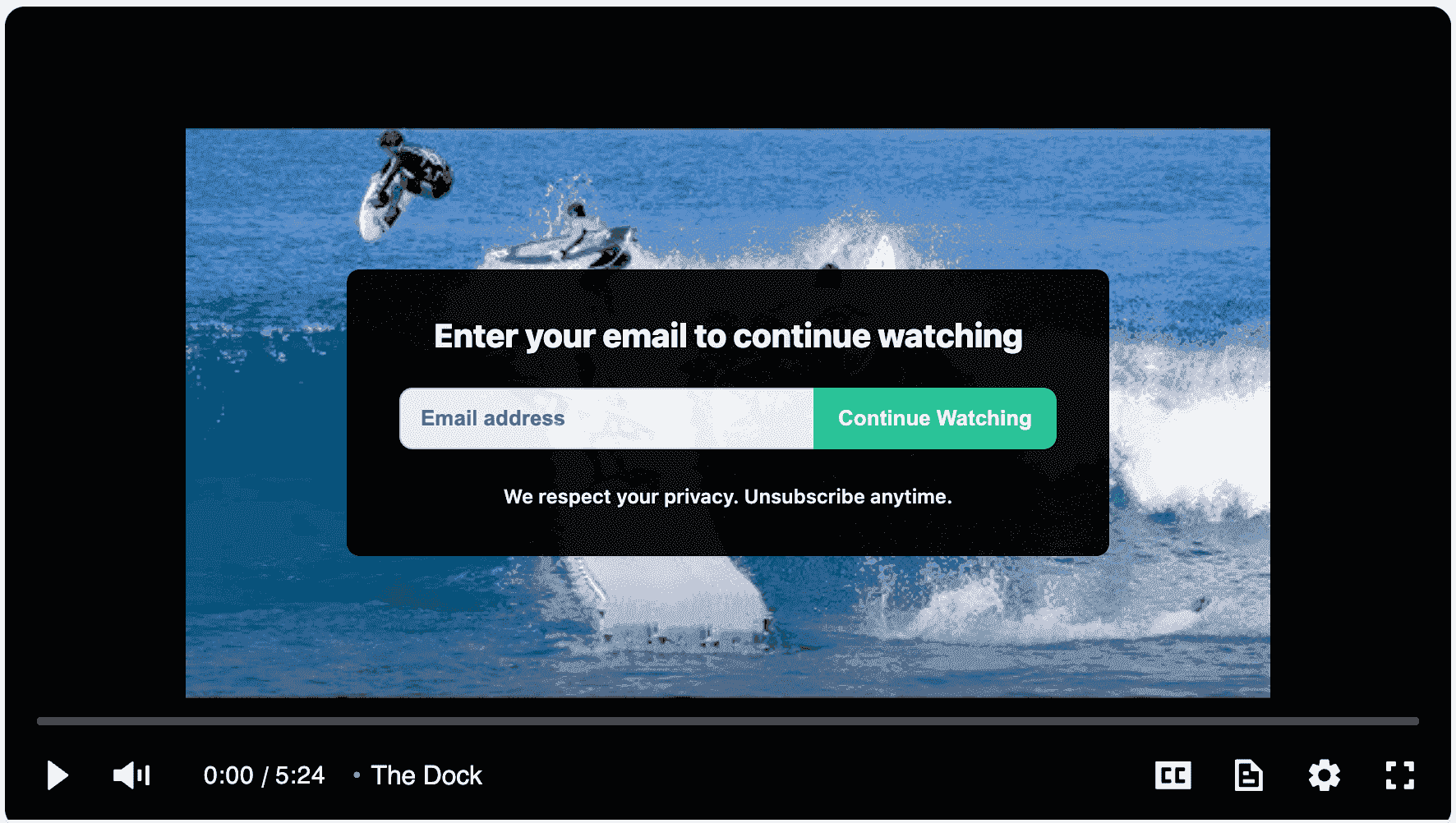
An email-gate overlay can require viewers to enter their email address to keep watching. When a viewer submits their email, it becomes a lead.
Leads are deduped by email — if the same address is captured again, the existing lead is updated rather than added as a duplicate row.
The leads table
Captured leads appear in the table with:
- Destination provider — where the lead is delivered
- Related content — the media the lead came from
- IP address
- Source
- Date
You can also add and edit leads manually.
Filters
Find leads quickly with the search box, a date-range filter, and provider and type filters.
Delivering leads
Leads can be sent to your connected services automatically. You can deliver to email/CRM integrations, to Webhooks, or both:
- Mailchimp
- MailerLite
- ActiveCampaign
- FluentCRM
- Webhooks — see Settings → Webhooks
Connect a destination first
Configure your email/CRM connections under Integrations before turning on lead delivery, so captured emails flow straight into your list.
Related
- Integrations — connect Mailchimp, MailerLite, ActiveCampaign, and FluentCRM
- Settings → Webhooks — deliver leads to custom endpoints
- Media — enable the email gate on a player