

Appearance
Settings
The Settings area lives under the Ink Player admin menu → Settings. A left sidebar lets you move between each settings section. Whenever you change a value, a Save bar appears at the bottom of the page with Save and Discard buttons — your changes aren't applied until you save.
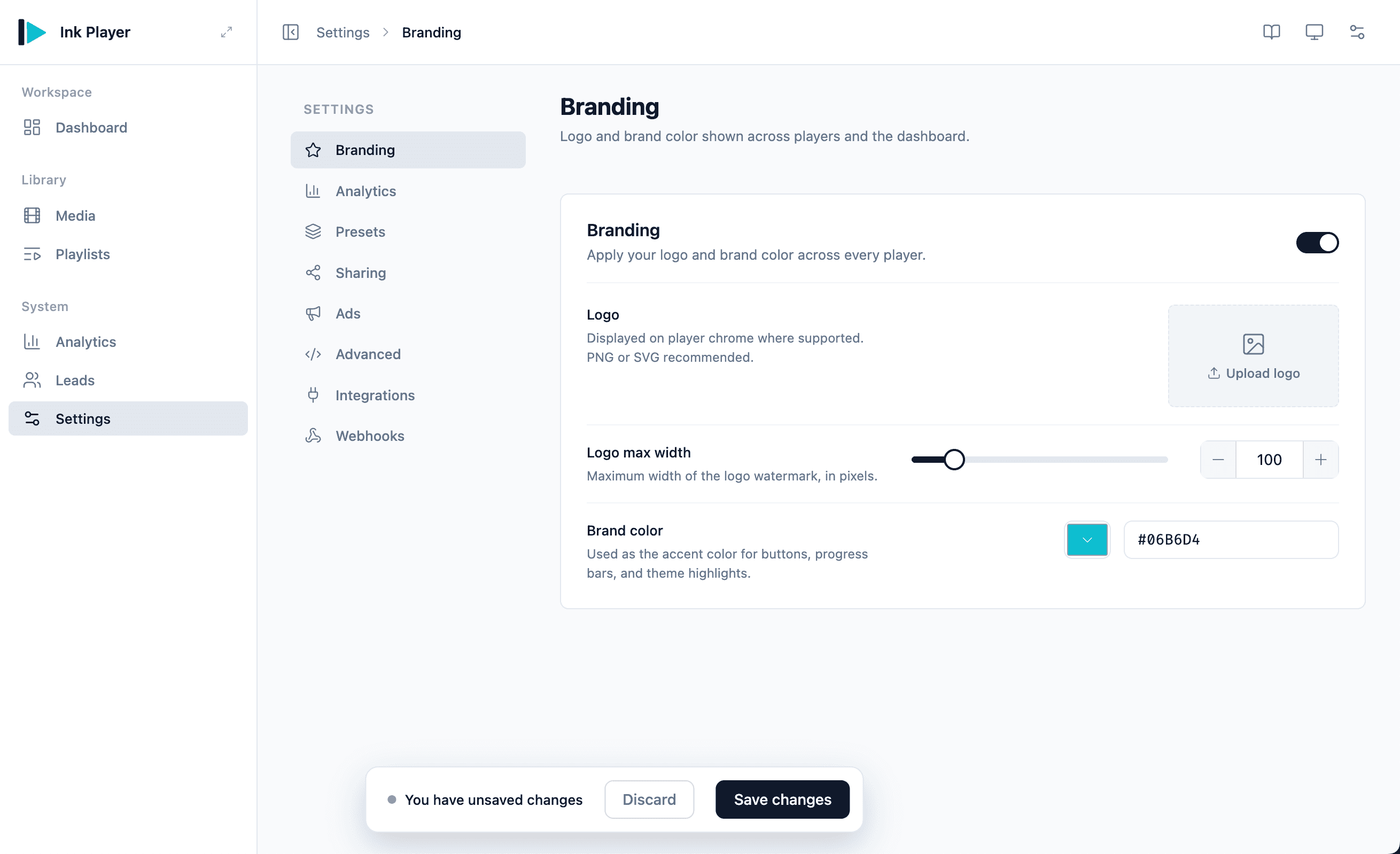
Sections
- Branding — Add your logo and brand color so every player matches your site.
- Analytics — Turn on playback tracking and control how long data is kept.
- Presets — Choose the default video and audio presets that new media start with.
- Sharing — Choose where Share links and embeds open on your site.
- Ads — Run linear video ads, and enable or disable every ad site-wide.
- Advanced — Inject custom CSS/JS and decide what happens to your data on uninstall.
- Webhooks — Send Ink Player payloads (such as captured leads) to any URL you choose.
- Migration — Import your library from Presto Player or FluentPlayer. Appears only when a source plugin is active.
- Integrations — Connect external services and media sources.
TIP
Most settings apply globally. Where it matters, a specific preset can override the global defaults for individual media.