

Appearance
Ads
Ink Player can play linear video ads — a separate ad clip that interrupts your content before, during, or after playback. This page is the site-wide control centre for ads: a master switch, the ad breaks that run on every video, and the experimental settings for embedded providers.
Ads are off by default.
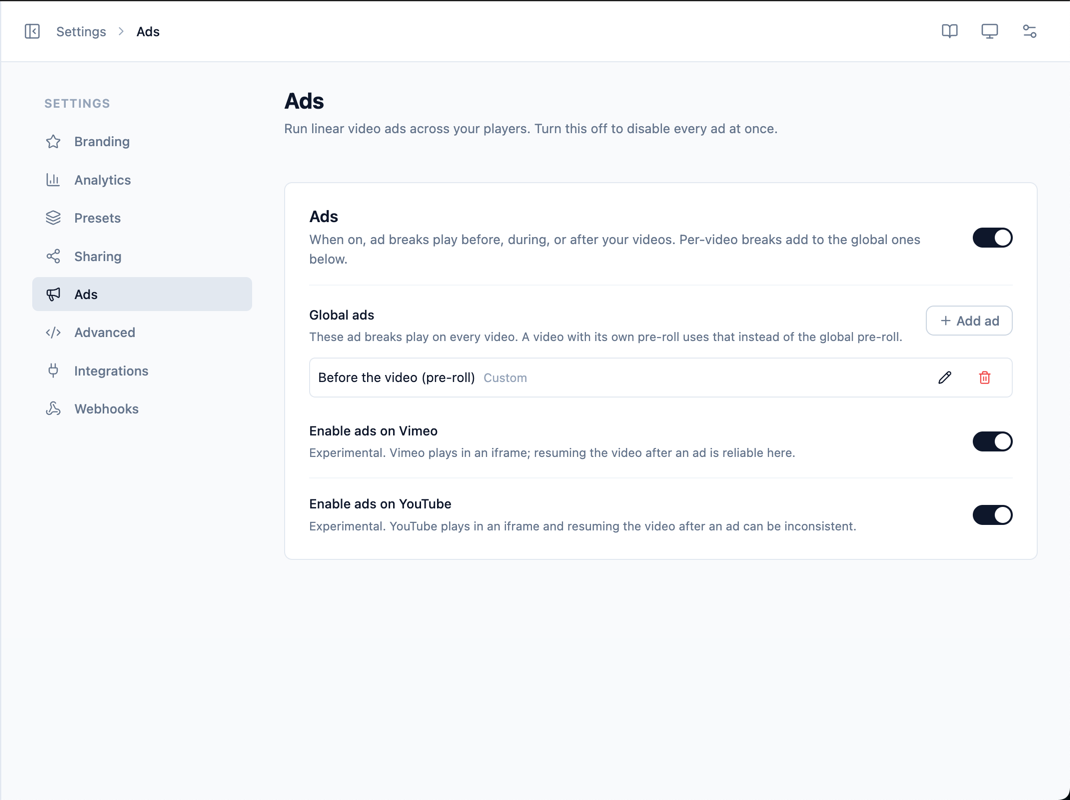
Enable ads
A master toggle sits in the top-right of the section header. It is a complete kill-switch:
- Off — no ads play anywhere, including any ad breaks configured on individual videos.
- On — global ad breaks and per-video ad breaks both play.
WARNING
Because ads are off by default, any ad breaks you set up on individual media won't play until you switch this master toggle on.
Global ads
Global ad breaks play on every video on your site. Use the Add ad button to create one; each break opens the Add ad break panel with the following options.
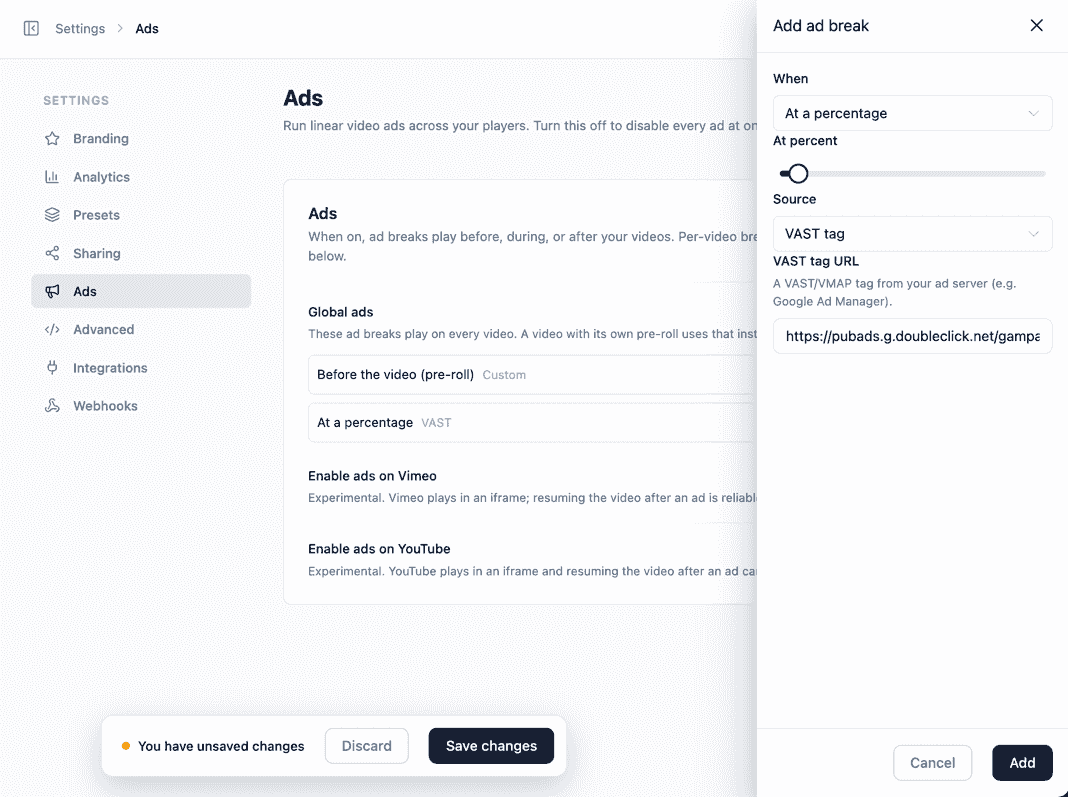
When
Choose where the break plays:
- Before the video (pre-roll) — plays before the content starts.
- At a time (mid-roll) — plays once playback reaches a specific time you set.
- At a percentage — plays once playback reaches a percentage of the video's length (handy when videos have different durations).
- After the video (post-roll) — plays when the content finishes.
Source
- Custom video — your own ad clip. Provide the ad's video URL, an optional click-through URL, and whether it's skippable.
- VAST tag — a VAST/VMAP tag URL from an ad server such as Google Ad Manager.
Skippable & Skip after
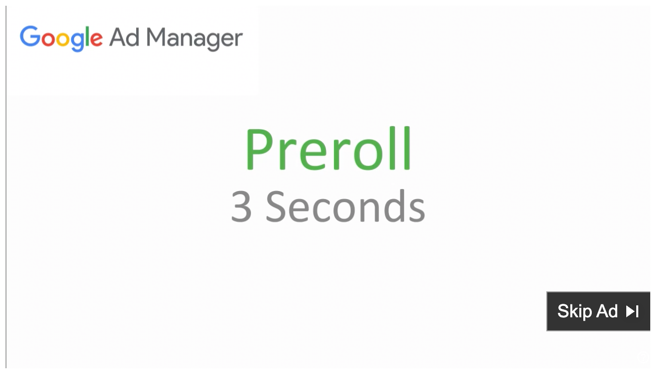
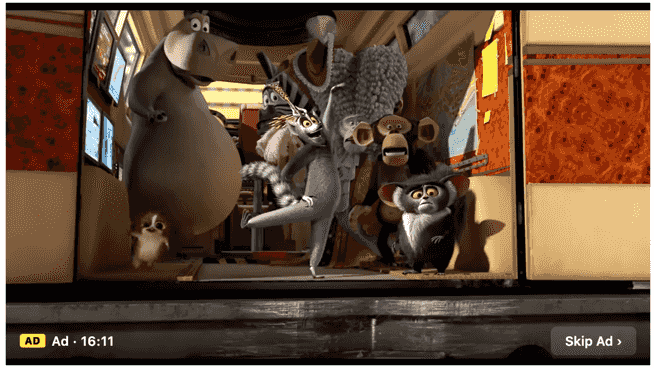
For custom ads you can let viewers skip the ad after a number of seconds. Turn Skippable on and set Skip after to the delay before the Skip button appears. Until then, viewers see a countdown; once it elapses, the Skip Ad button appears.

TIP
A video's own pre-roll takes priority over the global pre-roll — if a specific video already has a pre-roll of its own, the global pre-roll is skipped for that video so viewers never see two pre-rolls back to back. Mid-roll and post-roll breaks stack normally.
Per-video ad breaks
Alongside the global breaks here, each video can carry its own ad breaks. You set those in the Ads panel of the player configuration — in the Gutenberg block inspector or the dashboard Media editor — using the same editor described above. Per-video breaks are added to the global ones at playback.
If the master toggle on this page is off, the Ads panel on individual videos shows a notice with a link back here, because nothing will play until ads are enabled.
Where ads play
Linear ads play on self-hosted uploads, Bunny.net, Mux, and direct video files (MP4, HLS, DASH). Embedded providers — YouTube and Vimeo — play inside the provider's own iframe, so ad support there is experimental and opt-in.
Embedded players (experimental)
Two toggles enable ads on embeds:
- Enable ads on Vimeo — Vimeo plays in an iframe; resuming the video after an ad is reliable here.
- Enable ads on YouTube — YouTube plays in an iframe and resuming the video after an ad can be inconsistent.
Both are off by default. Leave them off unless you specifically need ads on embedded videos.
INFO
VPAID is intentionally not supported (it's deprecated and runs arbitrary JavaScript). VAST ads run through Google's IMA SDK, which covers modern VAST with OMID/SIMID.
INFO
Remember to Save from the Save bar at the bottom of the page after making changes.