

Appearance
Analytics
Analytics records playback statistics for your players so you can see how your media is being watched and listened to. It is off by default.
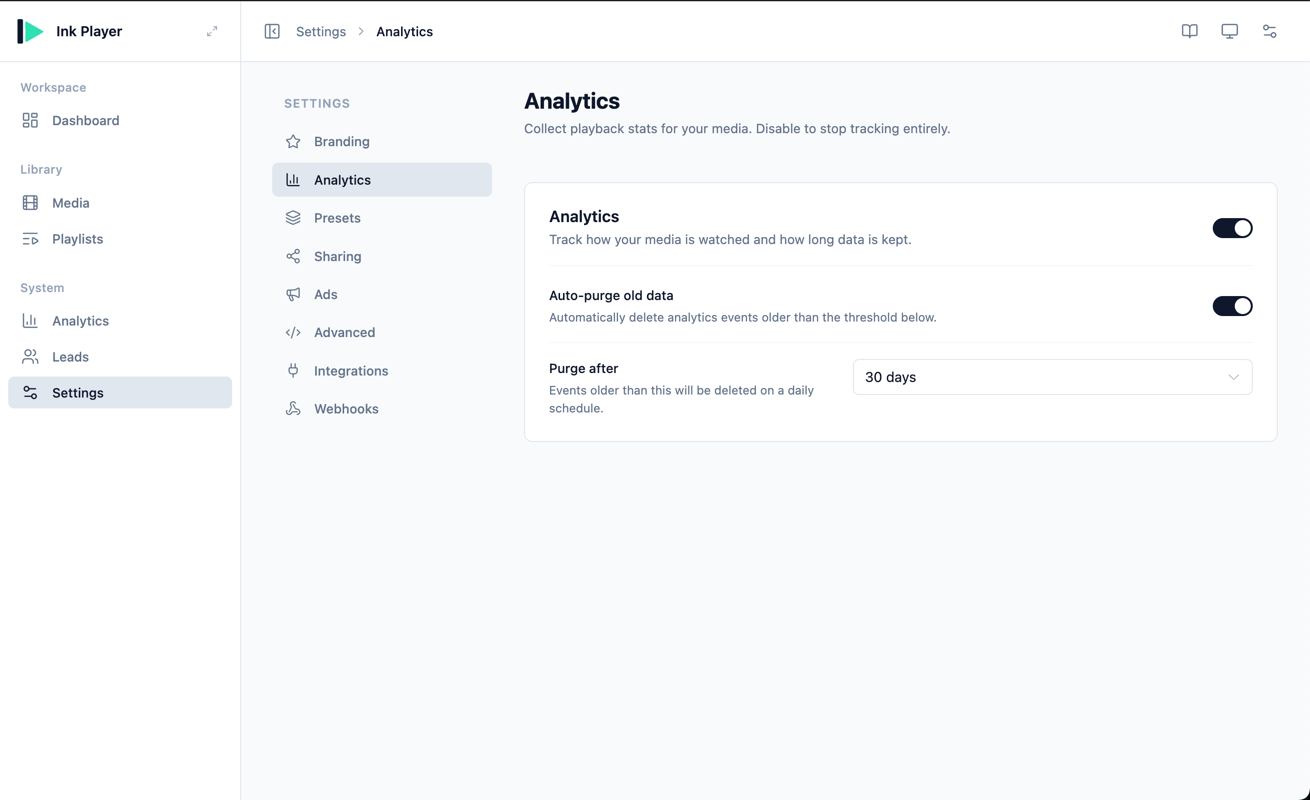
Turn analytics on
A master toggle sits in the section header. Switch it on to start collecting playback stats. Once enabled, view your data on the Analytics page.
Data retention
When analytics is enabled, you can control how long events are stored:
Auto-purge old data
Turn this toggle on to automatically delete old analytics events.
Purge after
When auto-purge is on, choose a retention period from a fixed set of options — 30, 90, 180, or 365 days (the default is 90). Events older than the chosen threshold are deleted automatically on a daily schedule.
TIP
Auto-purge keeps your database lean over time. If you need to keep historical data, leave auto-purge off.
Privacy
INFO
No geolocation or IP address is stored. Ink Player records only the device type and the referring host for each event.
INFO
Remember to Save from the Save bar at the bottom of the page after making changes.